
How to update your Epsilon battery to firmware v1.6.1
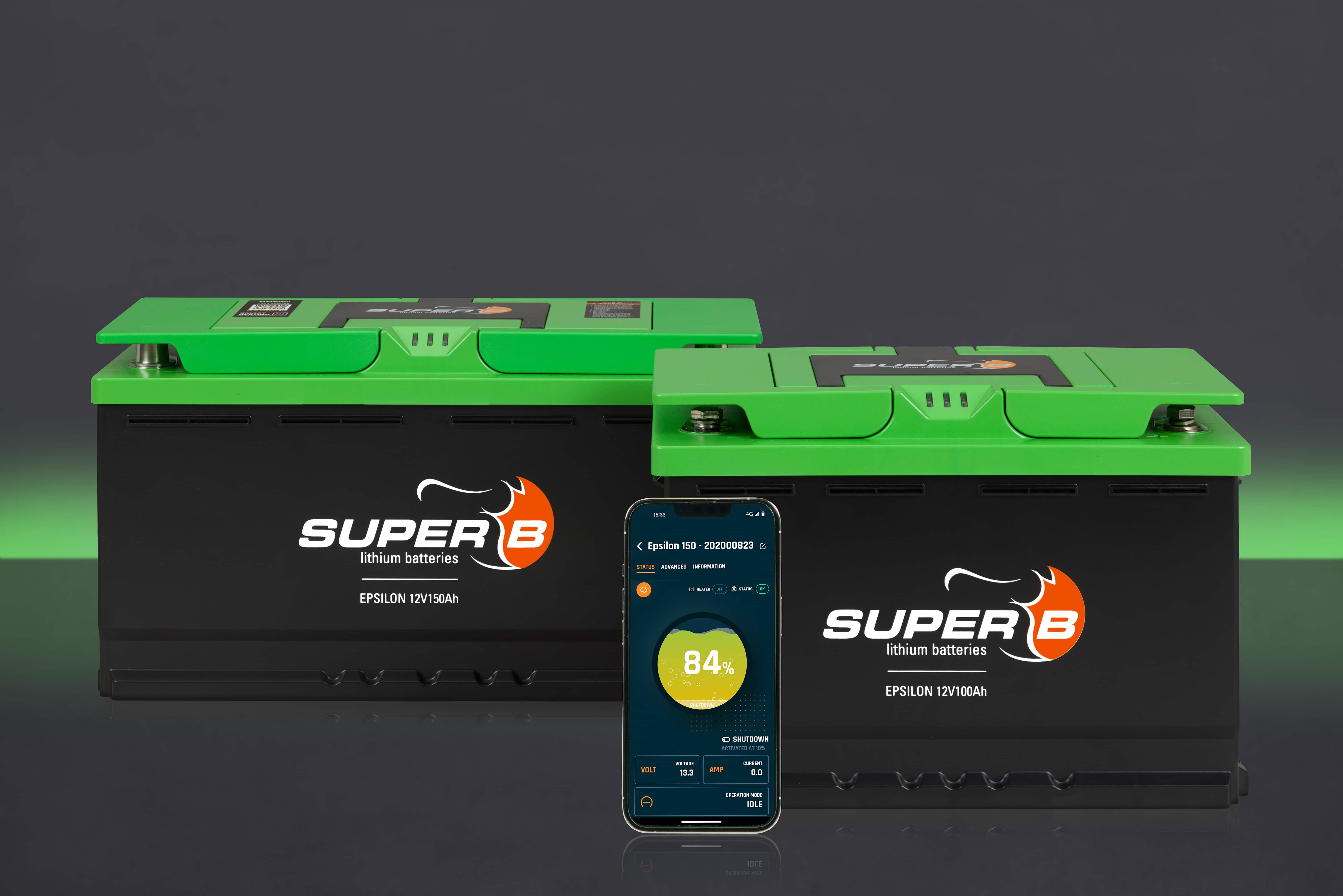
How to update your Epsilon battery to firmware v1.6.1
This week we're rolling out firmware v1.6.1 for the Epsilon battery, a hotfix on top of v1.6.0 focused on reliability and user experience. This guide walks you through how to install it.
What's new in v1.6.1
- Smoother iOS updates: no more manually forgetting and re-pairing via Bluetooth after updating
- Reliability fix: resolved a rare communication loss (CAN, LIN, Bluetooth) when a battery hit 0% SoC at low temperature. Present in firmware 1.5.0 and 1.6.0
- Victron protocol support: the Epsilon CAN port now supports Victron communication, configurable via the app or Be in Charge Software
How to install the update
Before you start, make sure you have Be in Charge App v1.7.0 or newer installed. You can find it in the Apple App Store or Google Play Store under the name Be in Charge 2. Older versions cannot upload firmware to the battery.
Once you're on v1.7.0:
- Open the Be in Charge App and connect to your Epsilon battery via Bluetooth
- The app will notify you that firmware v1.6.1 is available
- Follow the on-screen steps to install the update
- Check the device info in the app to confirm you're now running v1.6.1
iOS users: no need to re-pair after updating. The connection stays active automatically.
Rollout
The update is being deployed gradually and may take up to 4 weeks to reach all batteries in the field. Newly produced Epsilon batteries will ship with v1.6.1 pre-installed.


Join the Super B community and receive exclusive updates and insights.


