Come aggiornare la batteria Epsilon al firmware v1.6.1
Come aggiornare la batteria Epsilon al firmware v1.6.1
Questa settimana rilasceremo il firmware v1.6.1 per la batteria Epsilon, un hotfix che si aggiunge alla v1.6.0, incentrato su affidabilità ed esperienza utente. Questa guida vi guiderà nella sua installazione.
Novità nella versione 1.6.1
- Aggiornamenti iOS più fluidi: non dovrai più dimenticare manualmente e riassociare tramite Bluetooth dopo l'aggiornamento
- Correzione affidabilità: risolto un raro problema di perdita di comunicazione (CAN, LIN, Bluetooth) quando una batteria raggiungeva lo 0% di SoC a bassa temperatura. Presente nei firmware 1.5.0 e 1.6.0
- Supporto del protocollo Victron: la porta CAN Epsilon ora supporta la comunicazione Victron, configurabile tramite l'app o il software Be in Charge
Come installare l'aggiornamento
Prima di iniziare, assicurati di aver installato l'app Be in Charge v1.7.0 o una versione successiva. Puoi trovarla nell'App Store di Apple o nel Google Play Store con il nome Be in Charge 2. Le versioni precedenti non possono caricare il firmware sulla batteria.
Una volta che sei sulla versione 1.7.0:
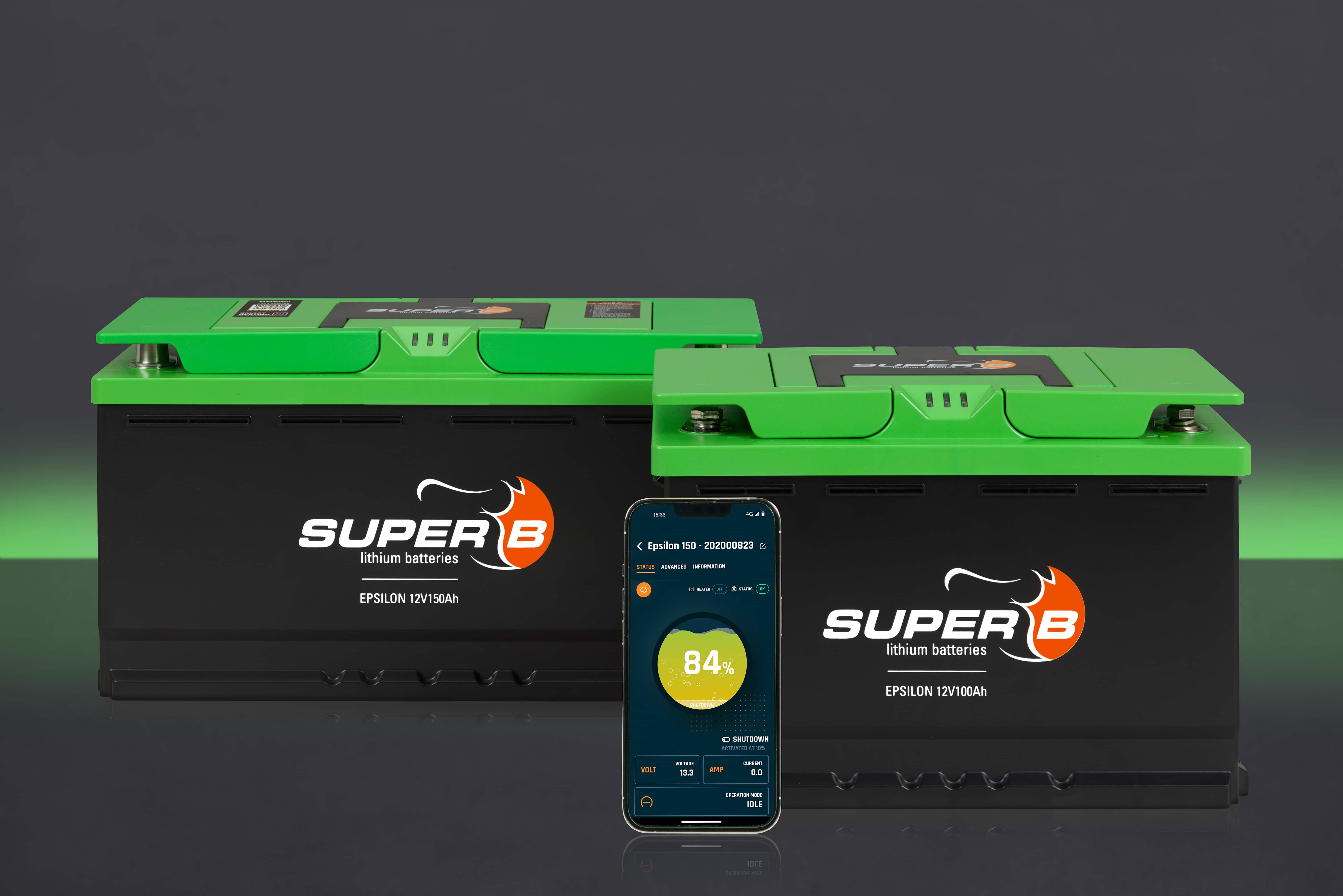
- Apri l'app Be in Charge e connettiti alla batteria Epsilon tramite BluetoothL'app ti avviserà che è disponibile il firmware v1.6.1Segui i passaggi sullo schermo per installare l'aggiornamentoControlla le informazioni del dispositivo nell'app per confermare che stai utilizzando la versione 1.6.1
Utenti iOS: non è necessario riassociare il dispositivo dopo l'aggiornamento. La connessione rimane attiva automaticamente.
Lancio
L'aggiornamento verrà distribuito gradualmente e potrebbero volerci fino a 4 settimane prima che raggiunga tutte le batterie installate. Le batterie Epsilon di nuova produzione saranno fornite con la versione 1.6.1 preinstallata.